
Marketing
SocialBanners
Social banners, one section per platform — LinkedIn today; Reddit, Instagram and others join as their own sections. Built from the Overview hero: the headline "Understand anything Visually." with its Signature swash, and a live Visualli map — nothing else.
Download (2× for sharpness; LinkedIn scales them down):
Profile banner · white Profile banner · light Profile banner · dark Company cover · white Company cover · light Company cover · dark Company logo · white Company logo · dark
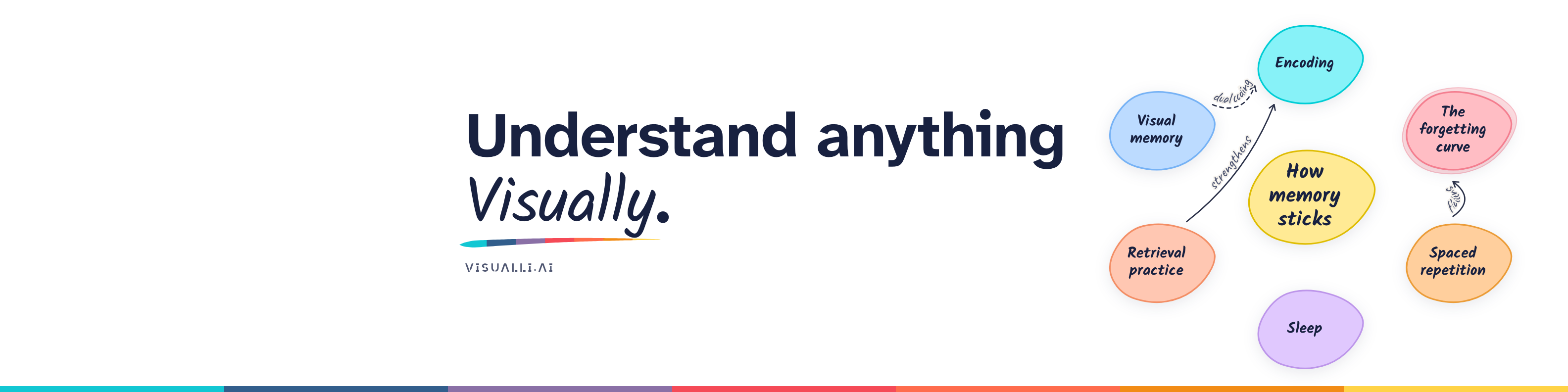
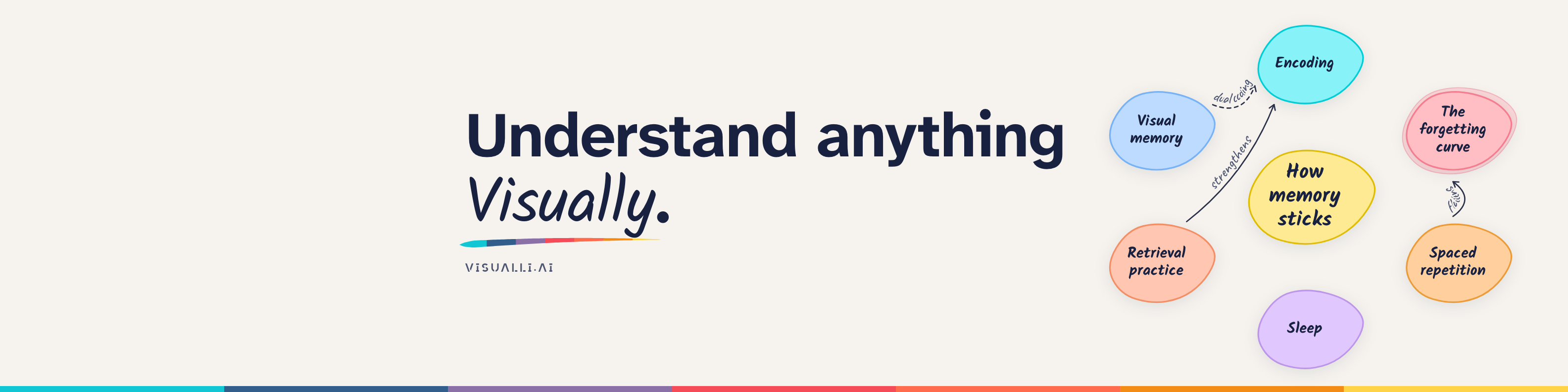
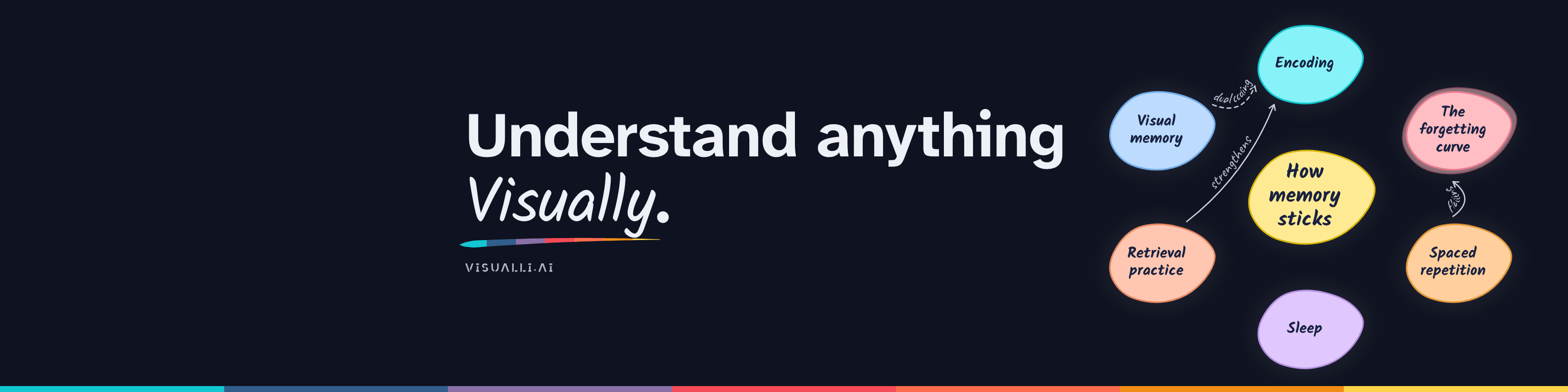





Upload: your profile → the pencil on the banner → Change photo; the company page → Edit page → Cover image and Logo.
Recommended: all white. LinkedIn's interface is white and it frames every company logo in white, so the white cover + white logo read as one surface — and the logo stays a clear tree in small places (sidebars, posts, search), where a dark square shrinks to a badge. Light and dark versions remain for other uses.
Pair them: LinkedIn always frames the company logo in white (it can't be turned off), so the light logo is pure white — frame and logo read as one clean card on the light cover. Use the light cover with the light logo, or the dark cover with the dark logo (the tree on a white disc over the dark canvas) so the tile blends into the cover instead of sitting on it like a patch. The logo also appears in posts, comments and search.
- Personal profile banner (founder and team, 1584 × 396): the memory map on the right, headline after the photo zone. LinkedIn's photo covers the bottom-left on desktop, so everything left of 430px stays quiet canvas; phones crop the sides.
- Company page cover (1128 × 191): too short for a radial map, so a three-idea row tells the product — Bring anything → See the map → Step inside (with rings: there's more inside). The arrows carry no words here (a marketing exception to "connectors are always labelled"), which lets the ideas be bigger. LinkedIn's company logo is large (about 182px, covering the bottom-left from mid-height down), so the headline stands in three lines — Understand / anything / Visually. — just right of it.
- A 6px SpectrumBar runs along the bottom edge — whole colors, no gradient.
- Turn on Show LinkedIn overlays to check the photo / logo and the mobile crop. Export at 2× for sharpness:
npm run build:marketingwrites PNGs toassets/marketing/linkedin/(light and dark).
Use
import { SocialBanners } from '@visualli/design-system/components';Source: components/src/ · Guidelines: components/catalog/SocialBanners/README.md